Select Browser Version:
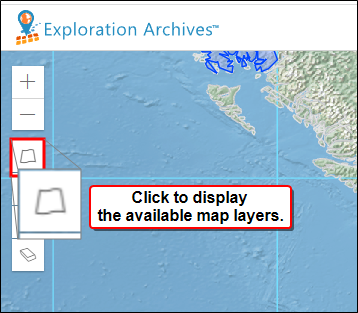
Select Layer Settings to display the map layers relevant to your target data.
|
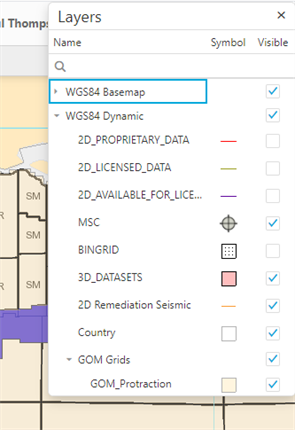
In the layers legend, select and clear the check boxes to display different map layers. The map layers you select will save to your profile for the next time you open Map View.
|
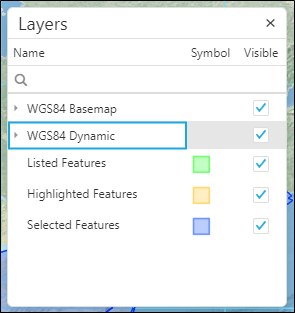
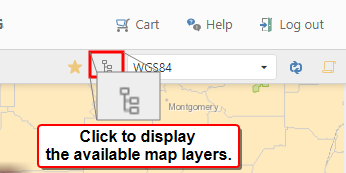
Use the layer settings to display the map layers relevant to your target data.
|
In the layers legend, select and clear the check boxes to display different map layers. The map layers you select save to your profile for the next time you open Map View.
|